How to create your ID
Please access the link www.eduexplora.com/tsregister, and after that on the bottom of the page please click "here" to create your own ID as indicate at the picture.

In the next page, please complete with your country. And click on submit.

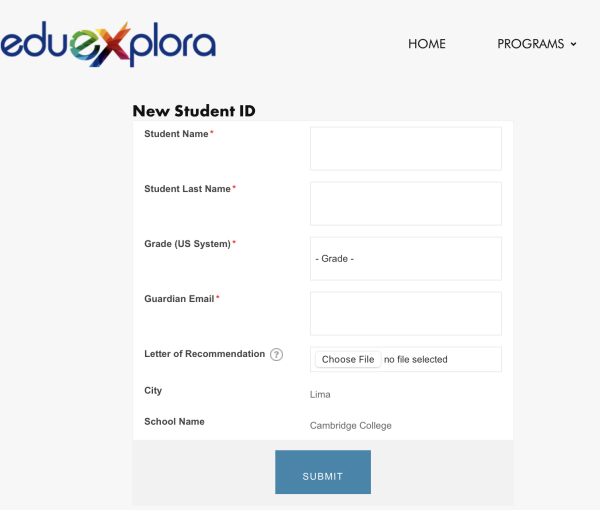
In the next step, you will need to complete with your city and School name:

And the last step is to complete with your details and you will have your ID.